How to Screen Record Netflix on iPhone, PC, Mac and Android
Learn more about how to screen record Netflix without black screen on PC, Mac, iPhone and Android.
Capture at up to 8X speed in 1080p, skip ads freely, and save videos in MP4 — all in one powerful tool.(Supported Sites)

Record live streams, shows, and movies from any popular sites.

Save recordings in MP4 format at up to 8X faster speed.

Enjoy crystal-clear playback on computers, tablets, and phones.
VidiCable Video Recorder lets you record different types of online video content effortlessly, including streaming videos, live broadcasts, and replay content. For example:
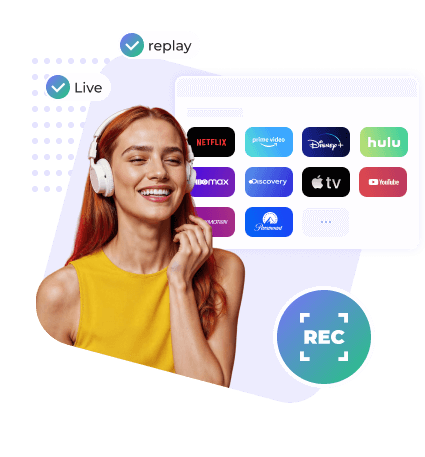
Most video recorders only record in 1X real time — you have to watch the video while it’s recording. A 40-minute episode takes the full 40 minutes. It’s slow, inefficient, and completely tied to playback time.
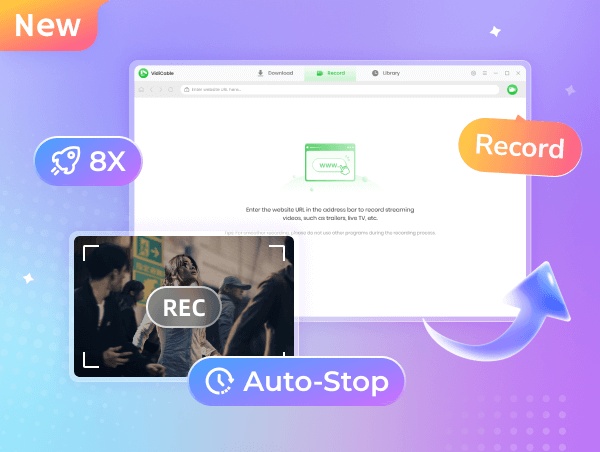
VidiCable breaks that limitation. With support for up to 8X recording speed, a 2-minute video can be captured in just 15 seconds. Recording a 40-minute TV episode takes only about 5 minutes. Whether you're saving short clips or full-length episodes, VidiCable makes the process faster and more convenient than ever.
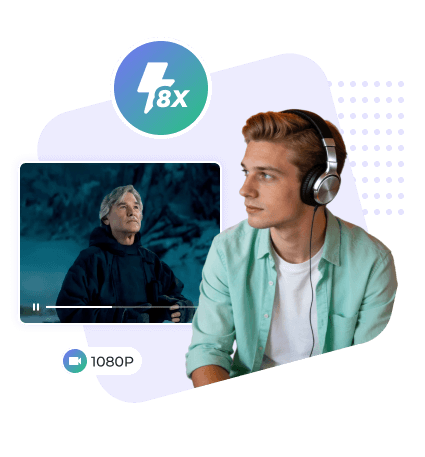
VidiCable Video Recorder supports high-quality recording up to 1080p Full HD, ensuring every detail is preserved with stunning clarity. You won’t miss a single frame or visual nuance. For greater flexibility, you can customize the recording resolution based on your needs — choose from 480p to 1080p to balance quality and file size.
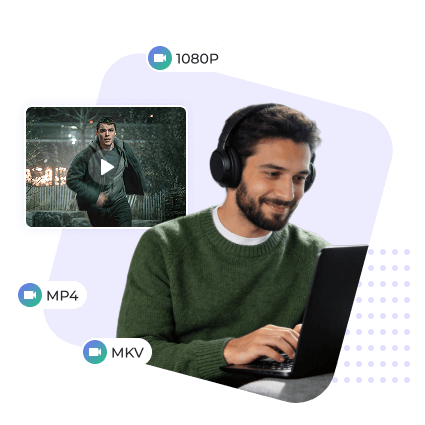
All recordings are saved in widely compatible MP4 format, making it easy to watch your videos offline on any device, including your computer, tablet, or smartphone. With this tool, you can enjoy offline playback anytime, anywhere.
With traditional video recorders, it’s difficult to capture truly clean content. You have to carefully set the recording area in advance and avoid touching the screen — otherwise, your clicks, progress bar movements, or window switches may end up in the final video.
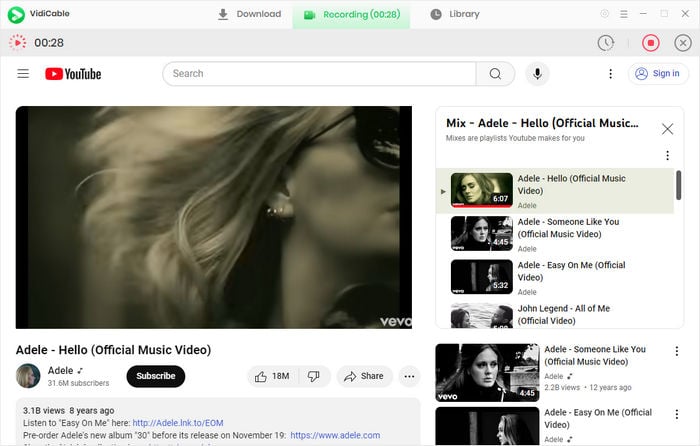
VidiCable solves this problem completely. You can freely switch between segments, drag the timeline to skip unwanted parts, bypass ads, or even start playing a new video — all without affecting the recording result. Your final file remains clean, with no trace of manual operations or interruptions.
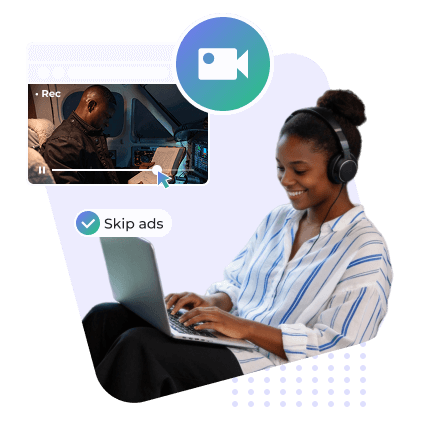
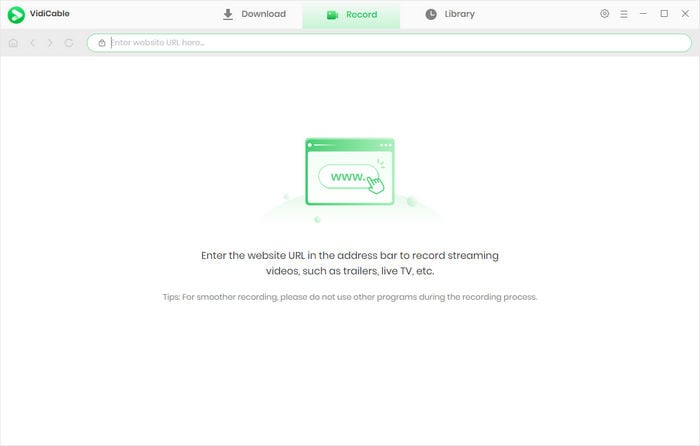
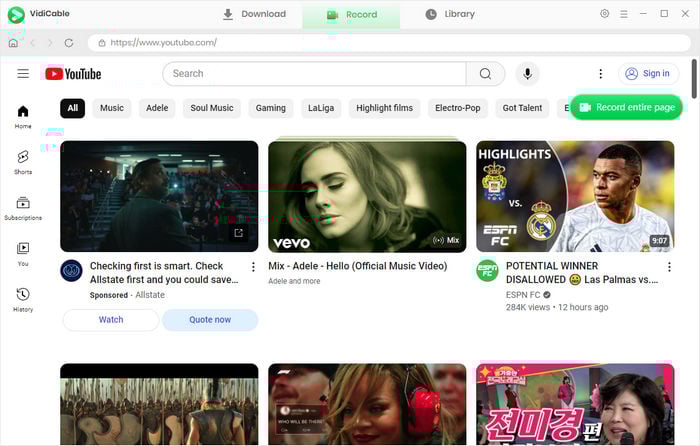
You can open any video website directly within VidiCable’s built-in browser and start recording instantly — everything happens in one streamlined interface, with no need to switch between windows or use an external browser.
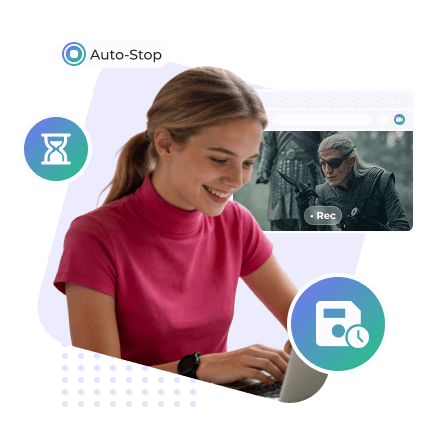
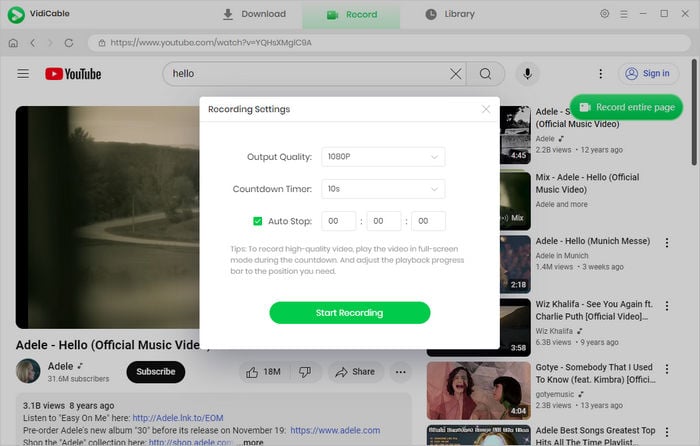
Built with smart automation features, VidiCable gives you complete hands-free control. Before recording begins, you can preset an automatic stop time to capture exactly the length you need, eliminating the hassle of trimming afterward. Once recording starts, simply minimize the window and continue working on other tasks. VidiCable runs smoothly in the background, so you can save time and stay productive without interruptions.

Recorded videos will be saved in MP4 and played on any device, including phones, tablets, and computers.
Enjoy smooth playback anytime without worrying about slow internet or buffering interruptions.

Record videos much faster than traditional recorders, helping you save time and boost productivity.

Capture only the parts you need — skip ads, unwanted segments, or anything you don’t want in your recording.

Watch your recorded videos without annoying ads interrupting your viewing.

With VidiCable, you can record videos from almost any public streaming platform using just one powerful tool.
Stay informed with the latest features and improvements.
Record videos up to 8X faster than real time, saving you hours of waiting.
Download movies and shows from Disney+ Hotstar and save them in MP4/MKV for offline viewing anytime.
Save videos directly as MP3 or effortlessly extract audio from any video.
For more details, please read the tutorial.
Our duty towards you is to share all news all news on the latest movies, shows, and streaming video services with you. Learn more >>
Learn more about how to screen record Netflix without black screen on PC, Mac, iPhone and Android.
Ultimate guide to record movies from Disney+ on your Mac computer.
Discover 7 ways to screen record Amazon Prime Video titles locally for offline watching.
Discovery all about downloading and recording Vimeo videos.
With VidiCable I can just start recording with a few clicks. It automatically captures the video itself, so I don’t have to worry about adjusting the frame. It saves me a lot of time and makes recording feel effortless.

One feature I really love is the auto-stop timer. I just set how long I want the recording to be — like 15 minutes — and let VidiCable run in the background. Then I can minimize the program and go do other things without worrying about stopping it. It’s super convenient.

As a long-time VidiCable user, I’m really happy to see the recording feature upgraded. Now I can choose 5× or even 8× recording speed, which is honestly a game changer. I haven’t seen any other recorder offer 8× speed yet, so this makes a huge difference.


A professional software tool that enables users to download Netflix movies and TV shows at 10X fast speed. Learn More >>

Download purchased or rented Amazon movies or TV shows to PC or Mac with 1080p quality kept. Learn More >>

Supports high-quality video downloads from HBO Max and Max, along with the ability to preserve HD audio. Learn More >>
